The best family-friendly hikes and walks around Lea
4.5
(239)
3,175
hikers
7
hikes
Family friendly hiking trails around Lea are characterized by gentle terrain, offering a mix of riverside paths, parklands, and nature reserves. The region features minimal elevation changes, making it suitable for all ages. Hikers can explore diverse landscapes including wetlands, green spaces, and scenic waterways.
Best family friendly hiking trails around Lea
- The most popular family friendly hiking route is Old Tram Bridge – Preston Docklands loop from Ribble Steam Railway, a 9.7 miles (15.6 km) moderate trail that…
Last updated: July 7, 2026
4.0
(3)
24
hikers
Moderate hike. Good fitness required. Easily-accessible paths. Suitable for all skill levels.
5.0
(1)
36
hikers
Easy hike. Great for any fitness level. Easily-accessible paths. Suitable for all skill levels.

Sign up for free
5.0
(1)
19
hikers
Moderate hike. Good fitness required. Easily-accessible paths. Suitable for all skill levels.
6
hikers
6.66km
01:42
20m
20m
Easy hike. Great for any fitness level. Easily-accessible paths. Suitable for all skill levels.
7
hikers
Moderate hike. Good fitness required. Easily-accessible paths. Suitable for all skill levels.
Get access to more routes and recommendations from other explorers.
Sign up for free
Already have an account?
Our route recommendations are based on thousands of hikes, rides, and runs completed by other people on komoot.
Start today with a free account
Your next adventure awaits.
Login or Signup
Tips from the Community


Tip5 Alternative Start Points with Parking for the 4 Tours Tour1 The Marina Carpark at Preston Marina The Marina Carpark Position is: 53.761540,-2.738572 Either: Paste the above line into the Google Maps app "Search here" box and then search - click the magnifying glass icon. Or: open your web browser and search for Google Maps 53.761540,-2.738572 Ashton Park Car Parks Link: Ashton Park Highlight https://www.komoot.com/highlight/5137829 Highlight7 on the Tour1 map
0
0
Tip4 Part (a) below explains the use of a split-screen using 2 web browsers. In Part (b), a practical example, you can use either the single web browser or the 2 web browsers method. (a) How To View In Split-Screen on Windows Using Two Web Browsers - example Microsoft Edge and Chrome. This method is similar to and slightly easier than the method in Tip3, part b). Open this highlight in both web browsers on the Windows PC. Their icons will be visible on the Windows taskbar. Then display one browser on the left side of the screen and one on the right. Open this highlight in both web browsers on the Windows PC. Their icons will be visible on the Windows taskbar. Then display one browser on the left side of the screen and one on the right. (b) Practical Use of a Split Screen Use a split screen to practise zooming into and out of a photo in a slide show. Create a split screen on an Android phone. On one half display the instructions in Tip1 on how to Enlarge a Photo in a Slideshow. Use e.g. a Chrome or Firefox browser on the other half to open the slideshow and display photo3 in the Chrome or Firefox browser. Then practise zooming in and out of photo3. Similarly, using a Windows PC and Photo3 practise the Windows PC instructions on how to zoom-in and out.
0
0
Tip3 How To Split-Screen The aim is, for example, to view relevant Tips or Comments alongside a photo or map. Photo4 shows a split-screen (from Tour1) on an Android phone. View photos or the route map on one half and the description on the other half of the screen. Scroll the 2 halves independently to compare a photo with e.g. a description in the Tips or Comments. If using a tablet or mobile, view the description in the website and the photo in the Komoot app - easier to pinch-zoom to see different parts of the photo. Instructions for (a) Android phone (b) Windows PC/Laptop For an iPhone search online for "Harris iPhone split screen" (a) Android Phone Check online for your Android phone. Not all models support split screen. Tap below to start a video - how to use split-screen. On a mobile, view in landscape. https://www.youtube.com/watch?v=zuiKgagO71Y (b) Windows PC/Laptop Easy in Windows 10/11. You can open the same Highlight (or Tour) using 2 web browsers, such as Microsoft Edge and Chrome, one on the left and one on the right of the screen. Or, you can use a single web browser displayed in 2 windows on the left and the right. Use these instructions to practice the technique. The first instructions below use a single web browser, e.g. Microsoft Edge. Using two web browsers is a little easier - see Tip4. 1) On your Windows PC/laptop, maximise the window if not already full-screen. Copy this highlight's Komoot web address. You need to paste it - see below. 2) Opposite-click this browser's tab on the Windows taskbar. That means click the other mouse button. Then click 'Open new window'. When opened, maximise it, paste and open the web address in the new window and scroll to these instructions so that you can continue to follow them. 3) Press and hold the Windows key on the keyboard and press the left arrow key. The active window moves to the left of the split-screen. 4) You should now see the right-hand half of the first window. Click that window to display it 'on top'. These instructions should still be visible in that window. Check that it's full screen. Press and hold the Windows key again and press the right arrow key. 5) The two windows should now display side-by-side. Scroll one window to display the 1st photo and open the slideshow. Scroll the other for the photo descriptions in the Tips. Then display a photo in one half and a corresponding description in the other.
0
0

Not too bad riding over cobbles if you find discomfort just stand on your pedals. Can get a little slippy when it's rained
4
0
The Ribble Steam Railway is a standard gauge preserved railway in Lancashire, in the United Kingdom. It was opened to the public on 17 September 2005, running along Preston Docks
2
0
The Continental is a Preston pub and restaurant serving British cuisine and real ales, as well as hosting live music gigs, films, cultural events and the now-legendary Continental Beer Festival. Situated in an idyllic riverside location, just out of the town centre, there can be no more perfect place, winter or summer than to relax in The Continental garden by the river or catch a gig in the event space – The Boatyard.
5
0
Preston Dock opened in 1892 and, at the time, was the largest single dock in the country. The basin was named after Queen Victoria's first son, Albert Edward the Prince of Wales, due to the Prince laying the dock foundation stone in 1885.
5
0
Frequently Asked Questions
How many family-friendly hiking trails are available around Lea?
There are 9 family-friendly hiking trails around Lea, ranging from easy strolls to moderately challenging routes, perfect for families with children.
What kind of terrain can we expect on family hikes in Lea?
The Lea region offers diverse terrain suitable for families. You'll find gentle paths through lush greenery, lakeside trails, and routes that explore natural reserves with woodlands, marshlands, and even some prairies. Most routes feature minimal elevation change, making them comfortable for all ages.
Are there any circular family walks in Lea?
Yes, many of the family-friendly routes in Lea are circular, allowing you to start and end at the same point. For example, the James Brennan Statue loop from Lea is an easy circular option, and the Haslam Park Nature Reserve – Lancaster Canal Towpath loop from Ashton Community Science College also offers a pleasant circular experience.
What interesting landmarks or natural features can we see along the trails?
The family-friendly trails around Lea offer a variety of sights. You can explore the diverse ecosystems of Haslam Park Nature Reserve, discover the impressive Ribble Link Staircase Locks and Holding Basin, or visit the scenic Brockholes Nature Reserve. Some routes also pass by historical features like the Ribble Steam Railway.
Are there any trails suitable for strollers or very young children?
While specific stroller-friendly trails are not explicitly highlighted, many of the easy routes with minimal elevation and gentle paths, such as those found in areas like Myre Big Island State Park (as described in the broader Lea region context), would likely be suitable. Look for routes described as 'easy' with paved or well-maintained surfaces. The James Brennan Statue loop from Lea is an easy option to consider.
What do other hikers enjoy most about family-friendly hikes in Lea?
The family-friendly hiking trails in Lea are highly rated by the komoot community, with an average score of 4.4 stars. Reviewers often praise the manageable distances, gentle paths, and the opportunity to enjoy nature with children. The diverse landscapes, from lakeside paths to nature reserves, are frequently mentioned as highlights.
Are there any cafes or places to eat near the family hiking trails?
Yes, you can find options for refreshments. For instance, the Twin Lakes Velo Café is a highlight in the area, offering a convenient stop for families. Many trails also pass through or near towns where additional cafes and eateries can be found.
What is the best time of year to go hiking with family in Lea?
The Lea region is enjoyable for family hikes throughout much of the year. Spring and autumn offer pleasant temperatures and beautiful scenery with blooming flowers or vibrant foliage. Summer is also great for longer days, though some areas might be busier. Even in winter, many trails remain accessible for a refreshing walk, especially those with well-maintained paths.
Are there any waterfalls along the family-friendly routes?
Yes, the Lea area features natural attractions including waterfalls. You can find a waterfall at Cuerden Valley Park and Nature Reserve, which could be a fun point of interest for families during their hike.
What are some longer, moderate options for families with older children?
For families seeking a bit more of a challenge, the Old Tram Bridge – Preston Docklands loop from Ribble Steam Railway is a moderate route spanning over 15 km. Another good option is the Haslam Park Nature Reserve – Lancaster Canal Towpath loop from Lea, which is nearly 8 km and also rated moderate.
Are dogs allowed on the family-friendly hiking trails in Lea?
While specific regulations can vary by park or reserve, many outdoor areas in the Lea region are dog-friendly, especially on leash. It's always best to check the specific rules for each trail or nature reserve before you go, but generally, you'll find plenty of opportunities to enjoy a family hike with your canine companion.
Most popular attractions around Lea
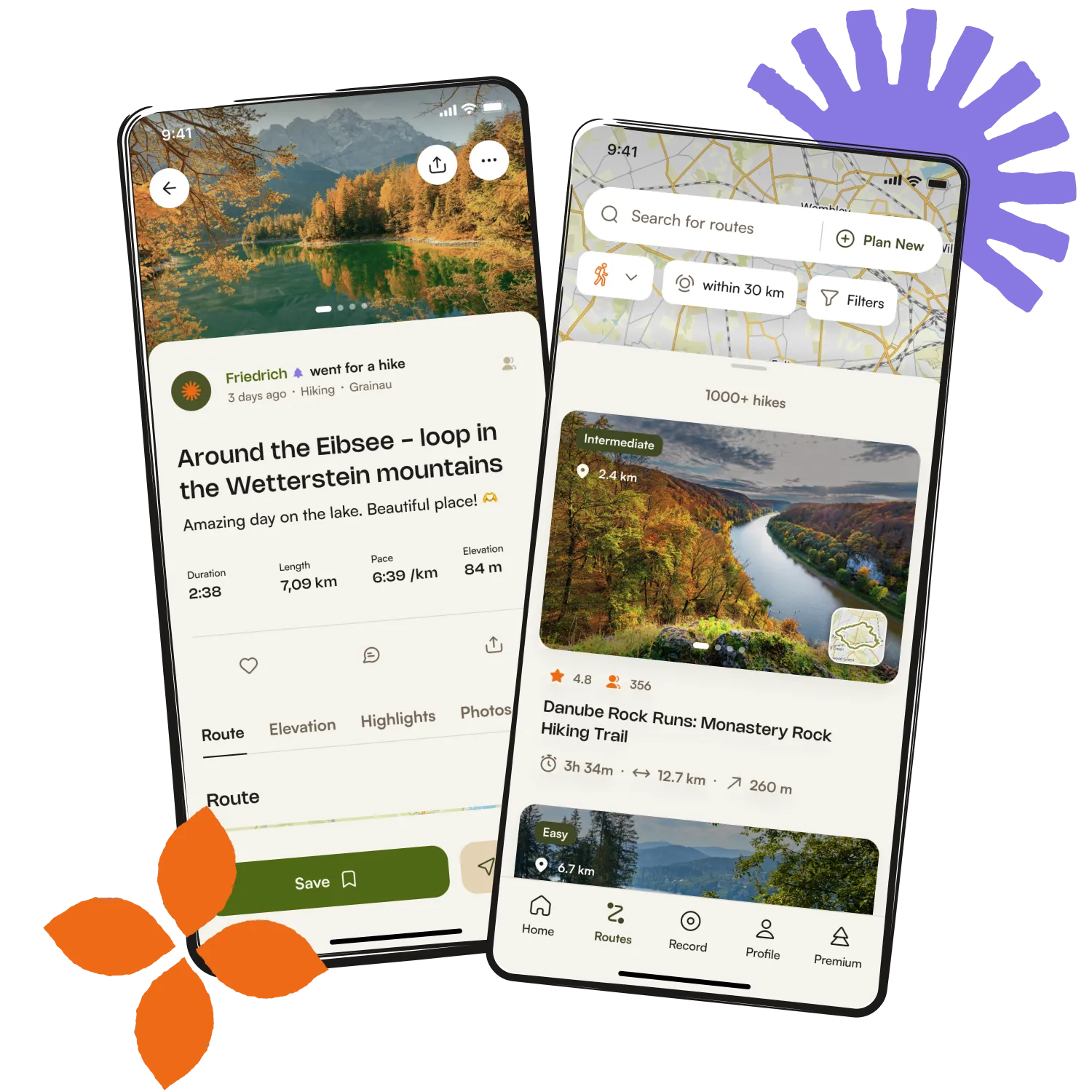
Get inspired with the komoot mobile app